
![Graphical User Interface Java: The Ultimate Guide to Modern GUIs [2026]](/images/blog/graphical-user-interface-java-hero.png)
What is a Graphical User Interface (GUI) in Java?
A Java Graphical User Interface (GUI) is a visual-based interface that allows users to interact with an application through components like buttons, menus, and windows rather than text commands. Frameworks like JavaFX and Swing use event-driven programming to capture user inputs and hardware acceleration to render professional, cross-platform desktop applications.
In the rapidly evolving landscape of software development, the way users interact with applications remains a cornerstone of digital success. While web-based interfaces have dominated the headlines for over a decade, the desktop remains the sanctuary for power users who require high performance and deep system integration. For developers in the Java ecosystem, building a robust, performant, and aesthetically pleasing Java desktop application is a skill that bridges the gap between raw backend logic and a seamless user experience.
Whether you are building complex enterprise dashboards, medical imaging software, or high-performance financial trading terminals, understanding the nuances of graphical user interfaces in java is essential. This guide provides an exhaustive look into the state of Java desktop development in 2026, comparing historical frameworks with modern standards and providing the technical depth required to build world-class applications.
- The evolution from AWT and Swing to modern JavaFX standards
- Why desktop interfaces remain critical for low-latency AI and industrial tools
- A deep technical look into the Event Dispatch Thread (EDT) and thread safety
- How to style GUIs using modern CSS, Scene Builder, and Glassmorphism
- Advanced architecture patterns like Clean Architecture for desktop apps
- Modern performance optimizations including Local AI integration and GraalVM
What is a Graphical User Interface (GUI) in Java?
A graphical user interface java (GUI) is a visual-based interface that allows users to interact with a Java application through graphical components such as windows, buttons, menus, and icons, rather than text-based commands in a terminal. By utilizing event-driven programming, a java graphical interface captures user inputs, such as mouse clicks or keystrokes, and translates them into functional logic within the application.
Historically, Java was one of the first languages to promise "Write Once, Run Anywhere" (WORA) for desktop applications. This meant that a developer could write a graphical interface java on Windows and have it run natively on macOS and Linux without code changes. In 2026, this cross-platform capability has matured significantly, with modern frameworks offering hardware-accelerated rendering and deep integration with native OS features.
Why Desktop Interfaces Still Matter in 2026
You might ask why a B2B AI automation agency like UseShift cares about desktop interfaces. The answer lies in performance and security. While web apps are convenient, they often struggle with low latency requirements. High-frequency trading or real-time monitoring systems cannot afford the overhead of a browser's rendering engine.
The Power of Local Execution
Desktop applications have direct access to GPU acceleration, specialized USB peripherals, and local file systems that are restricted in a web sandbox. Furthermore, for critical infrastructure and industrial automation, relying on a constant internet connection is a liability. Offline capability is often a non-negotiable requirement.
At UseShift, we often integrate desktop-based AI management consoles with cloud-native backends to provide the best of both worlds: the power of local processing and the scalability of the cloud. This hybrid approach is common in the java and gui ecosystem where reliability is paramount.
The Evolution of the Java Graphical Interface: From AWT to JavaFX
The journey of the java graphical interface is a story of constant refinement. To understand where we are today, we must look at where we started.
AWT (Abstract Window Toolkit): The Foundation
Released with Java 1.0 in the mid-90s, AWT was the first attempt at a cross-platform GUI library. It used "heavyweight" components, meaning every button or text field in your Java code was actually a wrapper around a native OS component.
While this gave AWT a "native" look, it led to massive inconsistencies. A layout that looked perfect on Windows would often break on Motif or macOS because the native components had different dimensions and behaviors. AWT is rarely used for modern development, but its "Event" model remains the foundation for everything that followed. The "Lowest Common Denominator" approach of AWT meant that if a feature wasn't available on all platforms, it couldn't be included in AWT.
Swing: The Lightweight Revolution
Swing was introduced as part of the Java Foundation Classes (JFC) to solve AWT's limitations. Unlike AWT, Swing components are "lightweight," meaning they are drawn directly by Java onto the window using the 2D graphics API.
Swing introduced the Pluggable Look and Feel (PLAF) architecture, allowing developers to make an application look like Windows, Mac, or a completely custom theme. For years, Swing was the gold standard for graphical user interfaces in java. Even today, many IDEs like IntelliJ IDEA are built primarily on Swing, albeit with massive customizations. The shift to lightweight components allowed for transparency, non-rectangular buttons, and a much more consistent behavior across different operating systems.
JavaFX: The Modern Standard for Desktop Apps
JavaFX was designed to replace Swing. It moved away from the 2D drawing model to a hardware-accelerated 3D pipeline called Prism. It also introduced a clear separation of concerns through FXML, an XML-based language for defining the UI structure, and CSS, a styling language almost identical to web CSS for defining the look.
In 2026, JavaFX is the primary choice for any new graphical user interface java project that requires high-fidelity graphics, animations, or touch-screen support. It integrates beautifully with modern deployment tools and supports high-DPI displays natively. If you are looking for a powerful gui for java, JavaFX provides the most modern feature set.
The New Frontier: Compose Multiplatform for Desktop
While JavaFX remains the standard, 2026 has seen the meteoric rise of Compose Multiplatform (developed by JetBrains). Originally built for Android as "Jetpack Compose," this framework uses a declarative UI model similar to React or Flutter.
Instead of manipulating a tree of objects, you write functions that describe what the UI should look like based on the current state. This approach is rapidly gaining traction in the modern development community for building java guis.
Compose Multiplatform is compiled to native code using Skia, the same rendering engine used by Chrome and Flutter. This offers performance that rivals JavaFX. For teams already familiar with modern mobile development, Compose is becoming the preferred way to build a modern desktop experience that feels contemporary.
@Composable
fun ShiftDashboard(stats: List<AutomationStat>) {
    Column(modifier = Modifier.padding(16.dp)) {
        Text("Active AI Employees", style = MaterialTheme.typography.h4)
        LazyColumn {
            items(stats) { stat ->
                StatCard(stat)
            }
        }
    }
}
Comparing Modern Java GUI Frameworks
Choosing the right tool is the first step toward a successful deployment. Below is a comparison of the most prominent frameworks used for building a gui interface java today.
| Framework | Performance | Styling (CSS) | Community Support | Best For |
|---|---|---|---|---|
| Swing | Moderate | Limited | Massive (Legacy) | Enterprise tools, IDEs, Legacy systems |
| JavaFX | High (GPU) | Full Support | Strong | Rich Media, Modern Dashboards, 2D/3D |
| Compose Desktop | Very High | Modern Declarative | Growing (JetBrains) | Modern Kotlin-friendly desktop apps |
| Apache Pivot | Moderate | XML/JSON based | Niche | Data-driven enterprise applications |
| Lanterna (TUI) | Very High | N/A (Terminal) | Small | CLI tools that need a visual feel |
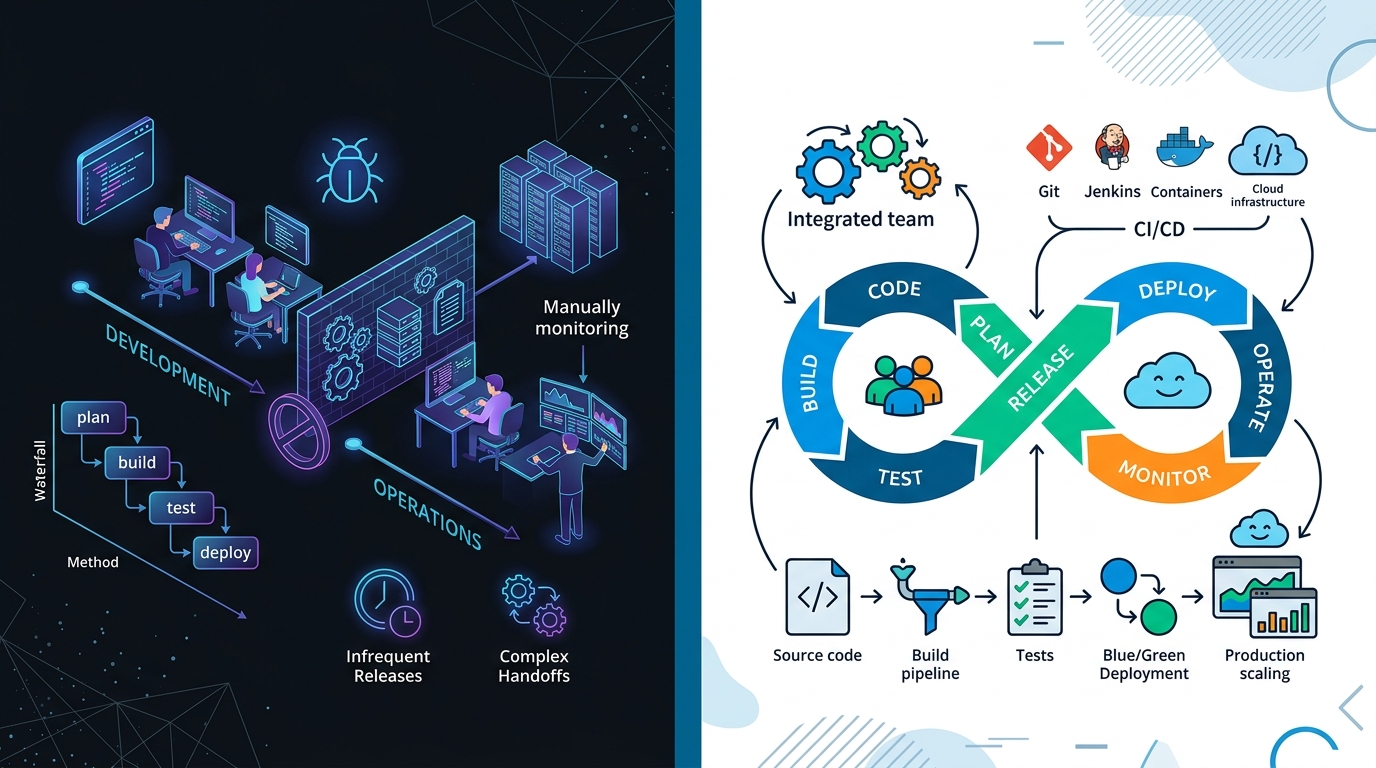
Comparison matrix showing the trade-offs between legacy and modern Java GUI frameworks.
Pro Tip: The "Write Once, Run Anywhere" Reality
While Java promises cross-platform parity, always test your application on a native ARM64 machine (like Apple Silicon) and an x86_64 Windows machine. Font rendering and window decorations often behave differently despite the framework's best efforts.
If you are looking to build a modern application from scratch, JavaFX is almost always the right answer. However, if you are integrating with existing automation pipelines, you might find that Swing is still heavily utilized in the industrial sector. At UseShift, we often recommend a technology audit before starting a new build. You can learn more about our devops consulting services to see how we handle infrastructure for these types of deployments.
Technical Deep-Dive: How GUIs in Java Work
Building a graphical user interface java requires a shift in mindset from linear execution to event-driven programming. Understanding the underlying architecture is the key to preventing common performance issues.
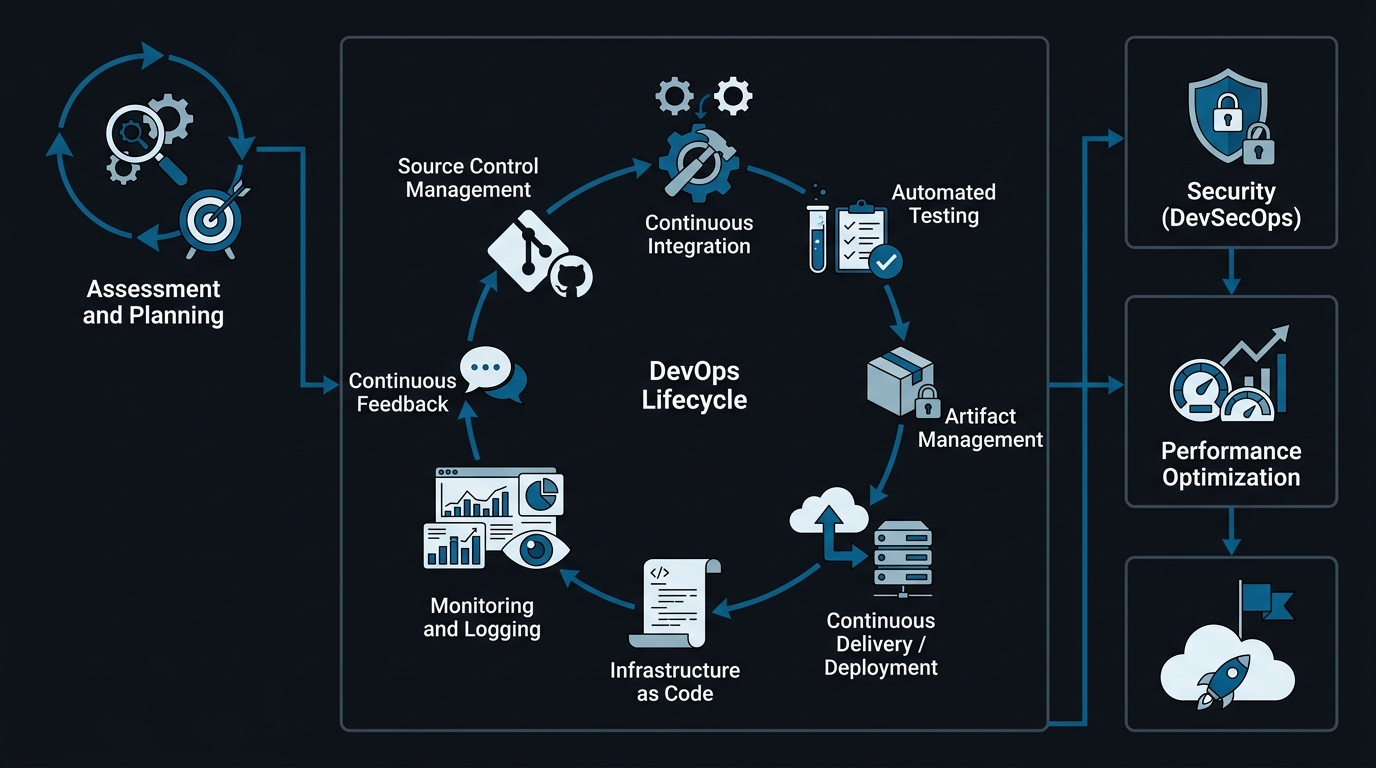
The Java GUI architecture: Bridging the JVM with native OS windowing systems.
The Single Thread Rule and the Event Dispatch Thread (EDT)
One of the most common pitfalls in building a modern desktop app is the "Single Thread Rule." Almost all Java GUI frameworks are not thread-safe. This means that all updates to the UI must happen on a single, dedicated thread called the Event Dispatch Thread (EDT).
The EDT manages the Event Queue, which is a FIFO (First-In-First-Out) buffer of all user inputs and paint requests. When you click a button, an ActionEvent is pushed onto this queue. The EDT then pulls the event and executes your listener code. If your listener code takes too long, perhaps by querying a large database, the EDT cannot pull the next "Paint" event, and the window appears frozen. This is why offloading tasks to background threads is critical in any java with gui application.
Data Binding and Properties in JavaFX
JavaFX introduced a powerful "Properties and Bindings" API that simplifies the MVC pattern. Instead of manually updating a label when a variable changes, you can bind the two together. This is a significant leap forward in java for gui development.
// Create a property
StringProperty statusProperty = new SimpleStringProperty("Idle");

// Bind the label's text to the property
statusLabel.textProperty().bind(statusProperty);

// Any change to statusProperty now automatically updates the UI
statusProperty.set("Running AI Audit...");
This unidirectional or bidirectional data flow reduces the "spaghetti code" often found in older systems. It allows developers to focus on the business logic while the framework handles the visual updates.
Layout Managers: Handling Responsiveness
Unlike web design, which uses Flexbox and Grid, Java GUIs use Layout Managers. These are classes that determine the size and position of components within a container.
- BorderLayout: Divides the window into five regions (North, South, East, West, Center).
- GridBagLayout: The most powerful and complex manager, allowing for precise control over component alignment and resizing.
- FlowLayout: Arranges components in a line, wrapping like text.
- AnchorPane (JavaFX): Allows components to be "anchored" to the edges of the window, making it easy to create sidebars and headers.
Understanding these managers is crucial for ensuring your UI looks good on both a 13-inch laptop and a 4K monitor.
Step-by-Step: Creating Your First Graphical Interface in Java with Swing
While JavaFX is the future, Swing remains the most accessible way to learn the fundamentals of building a java graphical interface. Let's build a simple "Shift Optimizer" console, which is a mock tool that represents the kind of automation logic we build at UseShift.
1. Setting up the JFrame
The JFrame is the top-level container that represents a window.
import javax.swing.*;
import java.awt.*;

public class UseShiftConsole {
    public static void main(String[] args) {
        // Run the GUI code on the Event Dispatch Thread
        SwingUtilities.invokeLater(() -> {
            JFrame frame = new JFrame("UseShift | AI Automation Console");
            frame.setDefaultCloseOperation(JFrame.EXIT_ON_CLOSE);
            frame.setSize(400, 300);

            setupComponents(frame);

            frame.setVisible(true);
        });
    }
}
2. Adding Components
We will add a label, a text field for input, and a button to trigger our "optimization."
private static void setupComponents(JFrame frame) {
    JPanel panel = new JPanel(new GridBagLayout());
    GridBagConstraints gbc = new GridBagConstraints();
    gbc.insets = new Insets(10, 10, 10, 10);

    JLabel label = new JLabel("Enter Workflow ID:");
    gbc.gridx = 0;
    gbc.gridy = 0;
    panel.add(label, gbc);

    JTextField inputField = new JTextField(15);
    gbc.gridx = 1;
    gbc.gridy = 0;
    panel.add(inputField, gbc);

    JButton runButton = new JButton("Optimize Workflow");
    gbc.gridx = 0;
    gbc.gridy = 1;
    gbc.gridwidth = 2;
    panel.add(runButton, gbc);

    frame.add(panel);
}
3. Implementing ActionListeners
Now we add the logic to handle the button click. We will simulate an AI process using a Timer to avoid blocking the EDT.
runButton.addActionListener(e -> {
    String workflowId = inputField.getText();
    if (workflowId.isEmpty()) {
        JOptionPane.showMessageDialog(frame, "Please enter a valid ID.");
    } else {
        label.setText("Optimizing: " + workflowId + "...");
        runButton.setEnabled(false);

        // Simulating a delay
        Timer timer = new Timer(2000, event -> {
            label.setText("Workflow " + workflowId + " Optimized!");
            runButton.setEnabled(true);
        });
        timer.setRepeats(false);
        timer.start();
    }
});
4. Running the Application
When you run this code, you have a functional desktop interface. It follows the standard lifecycle: initialize, layout, and wait for events. This fundamental pattern remains identical whether you use legacy Swing or modern Compose Desktop.
Advanced GUI Development: Styling with JavaFX and CSS
If you want your application to look like a modern SaaS tool rather than a 2005 utility, you must move to JavaFX. The primary advantage here is the ability to use CSS. This makes JavaFX a superior gui interface java for design-conscious teams.
Mastering Scene Builder and FXML
For complex desktop applications, manual coding of layouts is inefficient. Oracle and Gluon provide a tool called Scene Builder. It allows you to drag and drop components and see the results in real-time. It generates FXML files that your Java code then loads.
Treat FXML files like HTML templates. Avoid putting logic in them. Always use a separate Controller class and inject components using the @FXML annotation. For large enterprise applications, break your UI into nested FXML files to keep the code manageable.
Warning: The "Frozen Window" Trap
Never, under any circumstances, run a network call, a database query, or a heavy AI process on the Event Dispatch Thread (EDT). If you do, your application will instantly freeze, causing users to believe it has crashed.
Applying Glassmorphism and Dark Mode
Modern design trends like Glassmorphism, which features translucent and blurred backgrounds, are easy to implement in JavaFX using CSS effects.
.root {
    -fx-background-color: #0d1117; /* Dark background from UseShift brand */
}

.button {
    -fx-background-color: rgba(0, 96, 140, 0.8); /* Primary UseShift blue */
    -fx-background-radius: 10;
    -fx-text-fill: white;
    -fx-effect: dropshadow(three-pass-box, rgba(0,0,0,0.6), 10, 0, 0, 0);
}
By separating your style from your logic, you can swap themes, such as switching from Light mode to Dark mode, without touching a single line of Java code. This is the level of professional polish we aim for in all our web development services.
Modern Architecture for Java Desktop Apps: The Clean Architecture Approach
As applications grow in complexity, a flat structure becomes a liability. In 2026, the industry has shifted toward "Clean Architecture" for desktop apps. This involves separating your application into distinct layers: Domain, Data, and Presentation.
In the context of a modern graphical user interface java, the Presentation layer contains your FXML files and Controllers. These Controllers should never talk directly to a database. Instead, they should call Use Cases in the Domain layer. This makes your UI easy to test and allows you to swap out the entire UI without rewriting your business logic.
Dependency Injection in Java GUIs
Frameworks like Spring Boot or Dagger 2 are not just for web servers. They are incredibly useful for managing the lifecycle of your components. By using Dependency Injection (DI), you can inject mock services into your UI controllers during testing, ensuring that your automated tests are fast and reliable.
Case Studies: Why the World's Best IDEs are Still Built on Java GUIs
If you ever doubt the power of desktop applications, look no further than the tools you use every day. IntelliJ IDEA, Android Studio, and PyCharm are all built on a highly customized version of Swing.
These IDEs manage millions of lines of code, provide real-time syntax highlighting, and integrate complex visual tools like debuggers and profilers. They prove that with the right optimization, a java graphical interface can outperform almost any other technology in terms of developer productivity and feature richness. The reason JetBrains chose Swing over web technologies was the need for pixel-perfect control and the ability to handle massive amounts of data without the overhead of a browser DOM.
Testing and Quality Assurance for Java GUIs
Testing a graphical interface java is notoriously difficult because it involves asynchronous events and visual verification. However, in 2026, we have the tools to make it reliable.
Unit Testing with AssertJ Swing and TestFX
For Swing applications, AssertJ Swing provides a fluent API for simulating user interactions and asserting UI states. For JavaFX, TestFX is the industry standard. It allows you to run your GUI in a "headless" mode on CI/CD servers, ensuring that your interface doesn't break as you add new features.
Visual Regression Testing
Sometimes the code is correct, but the UI looks wrong. Perhaps a CSS update pushed a button off-screen. Visual regression tools take screenshots of your GUI during tests and compare them to "golden images." If even a single pixel is different, the test fails. This is critical for maintaining the brand integrity of a gui interface java.
Performance Optimization for Java GUIs
Performance is the main reason developers choose a graphical user interface java over a web app. However, a poorly written application can feel slower than a website if you are not careful.
Advanced Concurrency: Beyond SwingWorker
While SwingWorker is useful for simple tasks, modern desktop applications often require complex pipelines. We recommend using CompletableFuture combined with Platform.runLater for JavaFX or SwingUtilities.invokeLater for Swing. This pattern prevents "callback hell" and makes your asynchronous code much easier to read and debug.
Integrating Local AI with Java Desktop Apps
The biggest trend in 2026 is the "Local First" AI movement. Instead of sending all data to a cloud API, many enterprise apps run small LLMs, such as Llama 3 or Phi-3, directly on the user's machine.
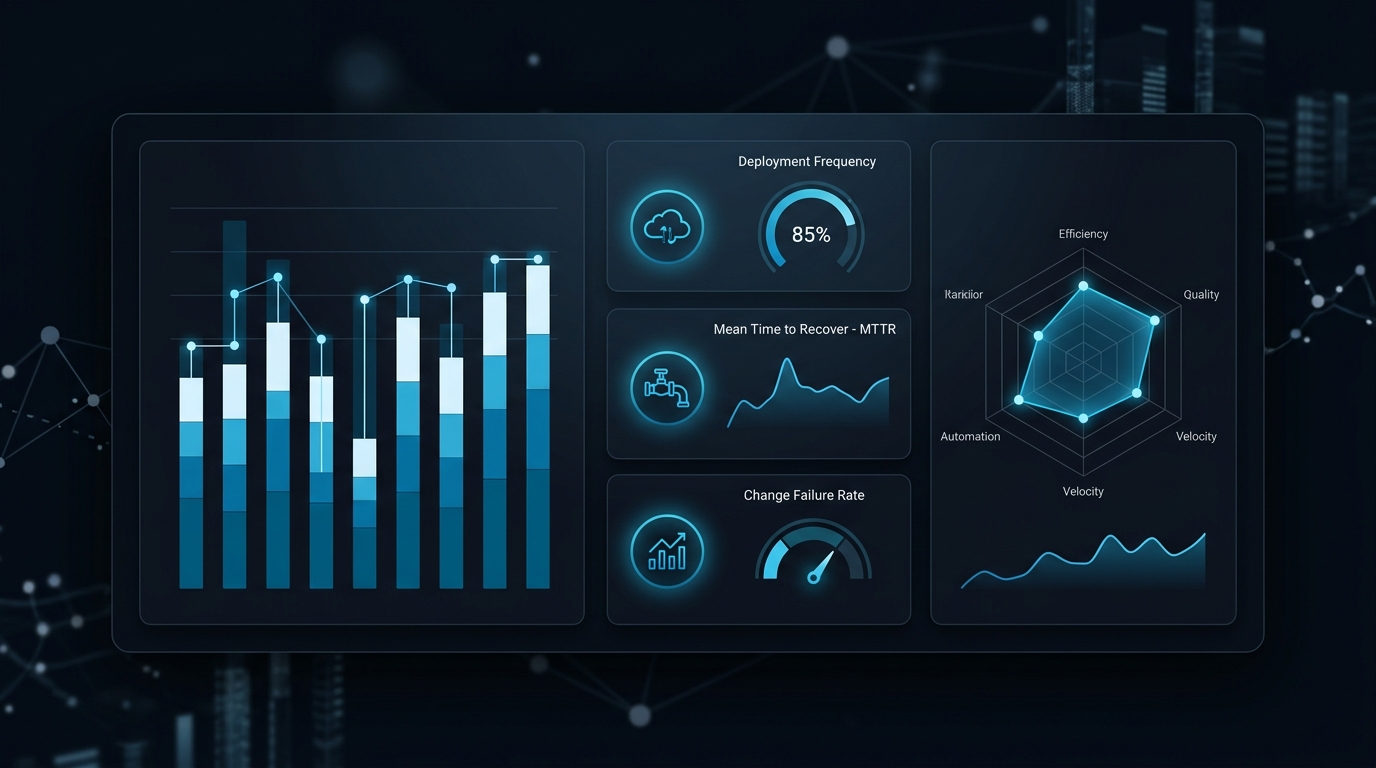
Data showing the performance benefits of local AI execution in native Java desktop applications.
By using the modern Foreign Function & Memory API, your interface can interact directly with C++ libraries like llama.cpp. This allows for ultra-low latency AI features, such as real-time text completion or sentiment analysis, without ever leaving the desktop environment. This is a core part of the AI strategy we implement for our high-security clients.
Security Considerations for Java Desktop Apps
Desktop applications have more power than web apps, which also makes them more dangerous. When distributing a graphical user interface java, consider the following security measures.
- Code Signing: Always sign your executables so that Windows SmartScreen and macOS Gatekeeper do not block your application.
- Sandboxing: On modern operating systems, you can sandbox your application to limit its access to the file system and network.
- Dependency Scanning: Desktop apps often bundle their dependencies. Use tools like Snyk or Checkov, and you can read our Checkov guide, to ensure you aren't shipping vulnerabilities.
Common Mistakes in Java GUI Development
Even experienced developers make these mistakes when building a gui for java. Avoid these at all costs to ensure a professional user experience.
Critical Mistakes to Avoid
- Blocking the main thread with Thread.sleep() or network calls.
- Over-nesting Layout Managers making the hierarchy hard to debug.
- Ignoring Accessibility (ARIA labels equivalent, keyboard navigation).
- Hardcoding component dimensions instead of using responsive Layout Managers.
Conclusion: The Future of Java User Interfaces
The world of the graphical interface java is far from stagnant. While web technologies continue to advance, the desktop remains the ultimate platform for performance and deep system integration. The rise of tools like GraalVM and frameworks like Compose Multiplatform ensures that Java remains a top-tier choice for desktop development in 2026.
As AI continues to change how we interact with software, we expect to see "Agentic GUIs," which are interfaces that adapt in real-time to the user's intent. At UseShift, we are at the forefront of this transition, combining the stability of traditional Java architectures with the cutting-edge power of Agentic AI.
Key Takeaways
- JavaFX is the 2026 standard for hardware-accelerated, high-fidelity GUIs.
- The Event Dispatch Thread (EDT) remains the most critical performance bottleneck to manage.
- Modern desktop development uses Clean Architecture and CSS styling for enterprise scale.
- Local AI integration via Project Panama is the defining trend for next-gen desktop tools.
Need an AI Architecture Audit?
We help B2B organizations design and implement autonomous workflows that actually deliver.
Book Your Free Strategy Call